AI Agent vs Automation: How Not to Overpay for the Wrong Choice
Most teams either overbuild with AI agents or underestimate with rigid automation — and both mistakes have a price. This article breaks down the real math: multi-year total cost, where break-even actually sits, and how to spot a padded vendor estimate before you sign.

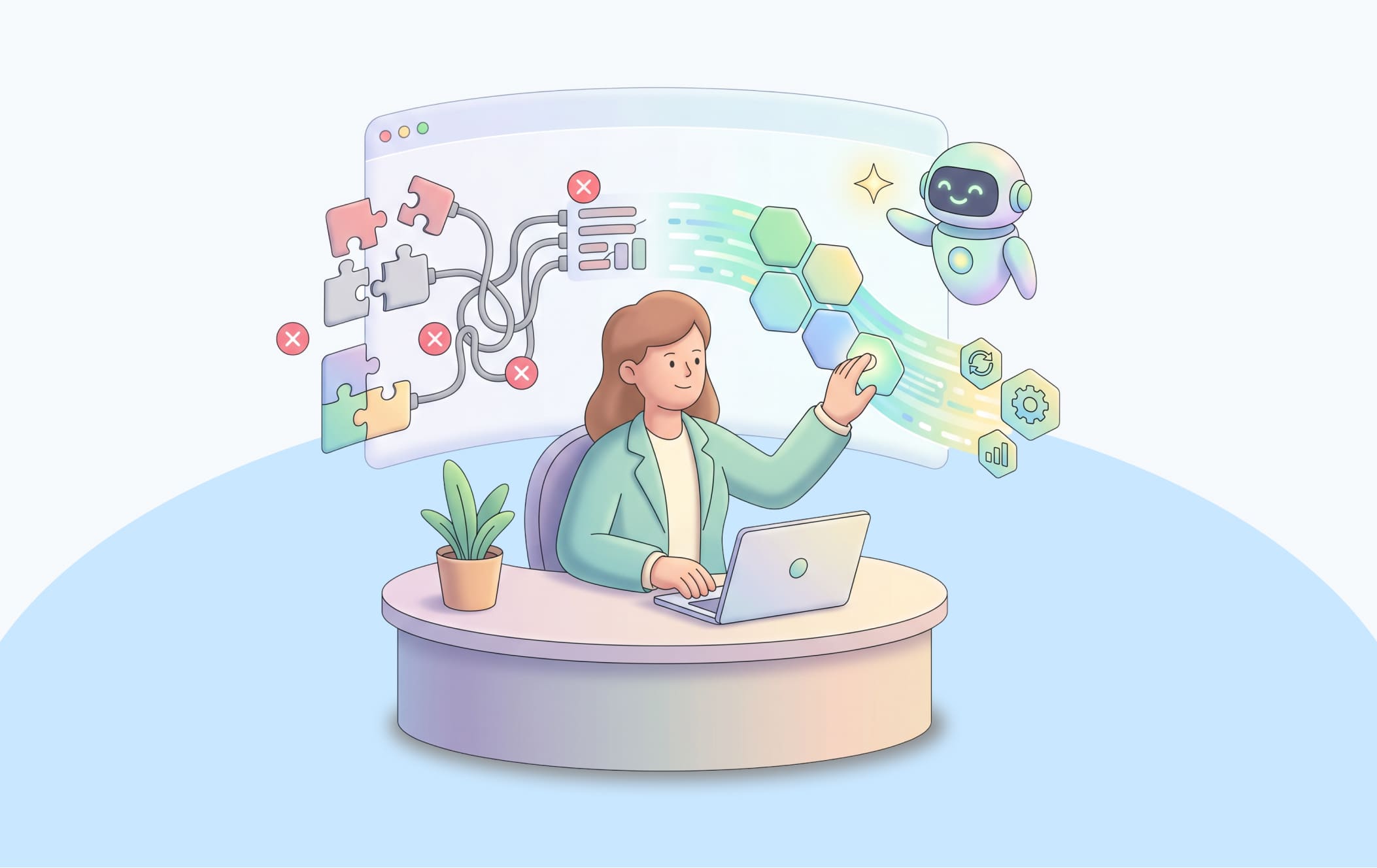
It's hard to imagine a company that "isn't implementing AI," right? Pilots are launched, demos are polished, the word "agent" shows up in every other presentation. Meanwhile, only 6% of organizations actually see a financial return from it.
So what about the other 94%? Most often, the lack of financial return has nothing to do with bad models or insufficient budget. It's because companies choose the tool without matching it to the nature of the task — deploying an "agent" where a simple script would have sufficed, or trying to cram a complex, variable process into a rigid automation script.
Both mistakes cost money, just in different ways and on different timelines: the first shows up immediately in the development bill, the second only a year or two later, when maintaining the "cheap" automation quietly eats up all the savings.
In this article, we're going to run the numbers on what the AI vs automation difference actually costs:
✍️ how to calculate the full cost of a solution over several years — not just the development cost;
✍️ where the break-even point sits, after which the "more expensive" option becomes cheaper than the "cheaper" one;
✍️ how to spot a vendor padding your budget before you sign the contract.
And at the end, we'll break down why, in most cases, the cheapest option overall isn't "either/or" at all — it's a well-designed combination of both approaches.
AI vs Automation: What This Actually Means, In Short
We already did a detailed breakdown of what fundamentally separates an agent from a copilot and from automation — check that out for the full comparison. Short version: automation executes a route someone described in advance, and the same input always produces the same output. An agent builds that route itself, based on the context of the specific situation. A copilot sits somewhere in between: the AI prepares a suggestion, but a human presses the "confirm" button.
This article is about what that difference actually costs: how much each option really costs over several years (not just at the moment you sign the contract) and how to avoid overpaying a vendor for something you don't actually need.
Automation vs AI? The Cost-of-a-Wrong-Choice Formula
Picture two CFOs. The first one looks at the cost estimate for building an agent and says, "Too expensive — let's go with simple automation." The second one looks at the exact same estimate and says, "Fine, but at least we won't have to keep patching things later." Both are reasoning correctly as far as it goes, and both can end up equally wrong, because they are both looking only at the first number — the development cost — and ignoring what happens over the next five years.
What does each option actually cost upfront?
The exact figures depend on how many systems the solution has to interact with and how clean your data is, but the order of magnitude for a typical enterprise process looks like this:
Automation (rule-based, 1–3 systems, structured data): development takes a few weeks. The lion's share of the budget doesn't go into the "if-then" logic itself — it goes into mapping the rules (someone has to sit down and document every exception that actually occurs) and building the integrations with the systems the data comes from.
Agent (multi-step, multiple systems, guardrails, approval flow): development stretches into months. Beyond the decision-making logic itself, you need to design a permission model (what the agent is allowed to do on its own versus what requires confirmation first), monitoring, and an audit log for every action. Without that, an agent in an enterprise isn't a tool — it's a source of unpredictable risk.
The gap in development cost is the first, most visible number. But it rarely determines who ends up paying more in the end. What determines that is TCO — total cost of ownership.
The formula worth calculating before you sign the contract
TCO = Development cost
    + (Annual maintenance cost × 5 years)
    + (Annual error cost × probability of error × cost per error)
Where annual maintenance cost — for automation — is mostly developer hours: every time a new type of exception shows up or the input data format changes, someone has to write one more rule. For an agent, it's monitoring its decisions, retraining on new examples, and periodically adjusting the boundaries of its autonomy.
And the cost of errors is a concrete figure: how much a single erroneous action by the system costs (a wrongly issued refund, an incorrectly billed invoice, a customer lost to a bad response), multiplied by how many such errors will realistically happen in a year.
Pro Tip: Calculate the Cost of One Manually Handled Case
Before you weigh the cost of automation against the cost of an agent, calculate how much a single case costs today, when a human handles it manually.
Take the employee's salary, divide it by how many cases they realistically process per hour, and add in the cost of errors that already occur under the current, manual process. That's your baseline. Without that number, the "agent or automation" comparison happens in a vacuum — you're comparing two future solutions against each other, but not against what already exists.
The exact TCO depends on your real numbers — how often exceptions occur, what one error costs, how many systems are in play. We'll run them on your actual data and recommend the approach that fits your process best.
How to Spot a Vendor Padding Your Budget
Even once you've sorted out the approach — automation vs AI, or hybrid — there's a second place where the budget quietly leaks out: the negotiation with the vendor itself. Here's what to watch for.
Can you get a cost breakdown by component?
A single lump-sum estimate — "$80,000 for the project" — is convenient to sell but hard to verify. Ask for a separate breakdown covering at least four parts:
✅ the cost of the decision-making logic itself (the model or rule set)
✅ the cost of integrating with each system — CRM, ERP, ticketing system, payment gateway, etc.
✅ the cost of guardrails, the permission model, and audit logs (for agent-based solutions, this is often a third of the budget that people forget to ask about)
✅ the cost of post-launch support — separate from the development cost itself.
If the vendor can't, or flatly won't, break the estimate down into these parts, that's already a signal. Either the estimate was eyeballed without a real analysis of the scope of work, or you're being sold something with a margin cushion that's easier to hide in one lump sum than to justify component by component.
Red flag: a fixed price with no discovery phase
If a vendor quotes a fixed price for the entire project before anyone on their team has looked at your actual data, processes, and exception rate, that means one of two things. Either the estimate is very rough, and additional costs will "surface" later, once changes become far more expensive to make. Or the vendor is baking in a large margin upfront to cover risks they can't yet see — and you're paying that margin in advance, whether or not those risks ever materialize.
An honest estimate is only possible once the team has actually looked at your data and exceptions — that is, after a one- or two-week discovery phase, which is worth paying for separately.
Pro tip: Ask for a 2–4 Week Pilot with a Clear KPI
Instead of signing a contract for full development right away, ask for a limited pilot on a narrowed slice of the process — for example, just one type of inquiry — with an agreed, measurable KPI set in advance: "X% of cases resolved without human involvement" or "handling time cut by Y%."
This costs less than a full contract and gives you real numbers to plug into the TCO calculation, instead of relying on the vendor's hypothetical estimates. If the vendor insists on a full contract right away and won't do a pilot, that's a second red flag.
Questions Worth Asking the Vendor
The technical team will explain the architecture and models. But the part of the cost that most often "blows up" after launch sits in the commercial territory:
— Who pays for token usage, and how does it scale? If the vendor uses an external LLM API, the cost per call increases with your request volume. Confirm whether that variable cost is baked into the monthly subscription or billed separately — and how it changes if your inquiry volume doubles.
— How does maintenance cost change as volume grows or new exception types appear? This is the same nonlinear curve from the TCO formula above. Ask the vendor to show you that relationship in numbers, rather than just naming a flat monthly maintenance fee.
— What does the error-correction SLA cover, and who's financially responsible for the consequences if an error happens because of a vendor oversight rather than an issue with your data? This is a question about who bears responsibility, and it rarely comes up on a technical team's demo — but it directly affects your financial exposure in the system's first year.
The Hybrid Option as a Way to Avoid Overpaying
In most real enterprise cases, the cheapest option by TCO isn't "agent or automation" on its own, but a combination. Cheap, deterministic automation handles the bulk, predictable volume of inquiries. A more expensive agent — or a human — steps in only where the flowchart genuinely doesn't close.
A rule worth keeping in mind when planning a budget: in a typical enterprise process,
- roughly 70–80% of cases are standard and can be covered by cheap automation;
- 20–30% are non-standard, and that's where it's worth spending the budget on an agent or copilot.
Trying to cover 100% of cases with a single tool is the most common cause of overpaying: automation applied to everything breaks down on the difficult 20%, while an agent applied to everything costs several times more on the simple 80%, where its adaptability isn't even being used.
A copilot, in this context, is the cheapest way to test the hypothesis before investing in a full-fledged agent with guardrails, a permission model, and audit logs. If you're not sure exactly how complex your 20–30% of non-standard cases really are, or whether they'll justify the cost of a full agent-based solution, start with a copilot: a human stays in control, and within a few weeks you get real data on how much time the AI suggestion actually saves and how often the operator actually uses it. That data is the cheapest way to confirm whether a full agent will recoup its higher development cost — before you've paid it.
Still Not Sure What Your Process Needs, Automation vs AI?
The guidelines in this article help you get oriented in AI vs automation, but the final decision always comes down to the details: whether your exceptions run 15% or 40%, how clean your data actually is, what a single error really costs in your business. You won't find those answers in any general-purpose article — they only show up in a specific company's real data.
BotsCrew has spent over 8 years building AI solutions for mid-size companies and enterprises — with 200+ completed projects and clients including Honda, Adidas, Samsung NEXT, Mars, and Virgin Holidays.
Over that time, we've seen both expensive mistakes from this article play out dozens of times: companies that paid for an agent where a script would have done the job, and companies whose bots broke down every quarter because of rigid rules. That's why we start every project with a diagnostic, not development: we analyze your real process, your data, and your exception rate — and only then tell you what will actually deliver a financial return.
What you'll get:
✅ Consultation (starting from one session). We'll walk through your process using your data. We'll tell you honestly if your case is actually just automation dressed up as an agent project (or the reverse) — even if that means a smaller invoice than a full build.
✅ End-to-end development. From MVP to a production-ready solution — accounting for your systems, regulatory constraints, risk-control requirements, and who will actually maintain the solution after launch. We don't leave you alone with a system that degrades within a quarter.
Every month spent with the wrong approach in place means either wasted spend on tokens and unpredictable behavior where a simple rule would have done, or a team manually patching holes in rigid automation faster than they can find them. The earlier the diagnostic is made, the less you'll have to redo later.
In a single consultation, we'll tell you what will actually deliver a measurable result for you — not just another demo for the next board presentation.
Get a consultation