9 Best AI Email Assistants For Different Purposes
In this article, we will discuss the most creative and helpful AI email assistants available today so you can save time and energy when crafting your next email masterpiece.


AI technology is changing the way we create content. With the rise of generative AI and GPT-3.5, various content creation tools are now available to help copywriters produce engaging and original content quickly and efficiently. An AI email assistant is just one example of these tools, allowing users to create and manage their emails more efficiently. These assistants go beyond just rephrasing your copy. They can help you schedule meetings, create catchy subject lines, craft follow-up messages, etc
What is an AI email assistant?
AI email assistants are virtual tools that leverage the power of artificial intelligence (AI) to automate and streamline the email management process. They are designed to assist users with a wide range of tasks, such as sorting and prioritizing emails, composing and sending responses, scheduling meetings, and much more.
So, let’s have a look at the best AI email assistants available today.
GPT-3 email generators
#1 MailBuddy - ChatGPT AI Email Generator
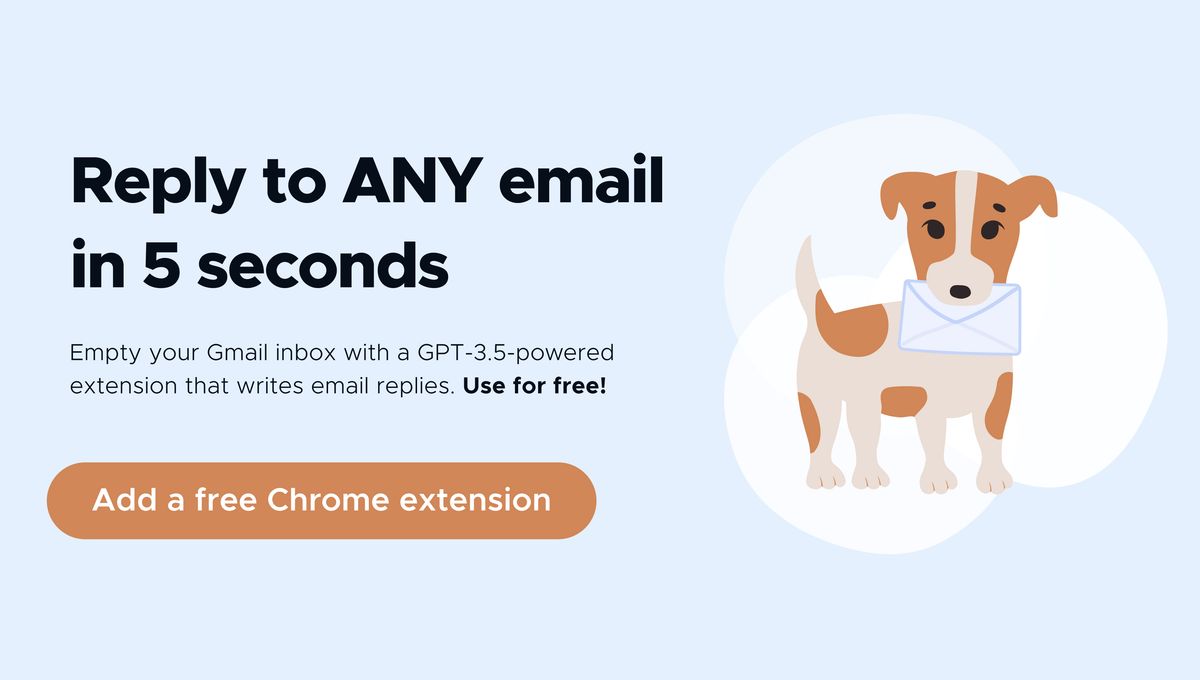
MailBuddy is a free Chrome extension that runs on GPT-3.5 technology and can save you hours of valuable time and tons of energy when responding to emails.
This AI email assistant reads the mail for you at your command and writes the replies in seconds. It drafts the text – you hit "send" right from the inbox. It literally takes just 1 click to generate the reply and 1 click to send the message.
This GPT-3 email generator understands any emails: long and confusing inquiries, follow-ups, and any complex correspondence - perfect for busy professionals and entrepreneurs who need to stay on top of their emails.
As an added benefit, MailBuddy is also very customizable. You can fully customize:
- specific details (add more info, examples, questions, etc.)
- sentiments (write politely, briefly, etc.)
- a form of the reply (add bullet points, 3 tips, etc.)
Pricing:
Free
#2 Reply.io
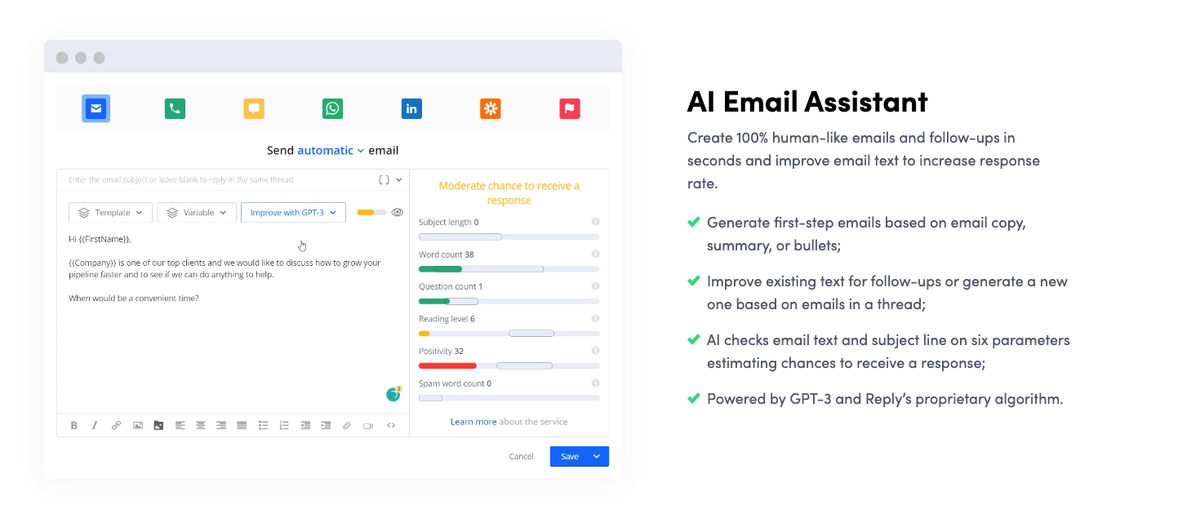
Reply.io is revolutionizing how sales teams communicate with their customers. This GPT-3 email generator helps craft human-like emails and follow-ups in seconds, allowing sales teams to quickly and effectively reach their prospects while saving time and energy. Reply.io also improves email text to increase the response rate, helping sales teams maximize their effectiveness.
With Reply.io, you can generate first-step and follow-up messages using GPT-3 and Reply's proprietary algorithm.
Pricing:
14-day free trial
Starter, Professional, and Custom plans start at $60 per user per month
Email Subject Line Generators
#3 Copy.ai Free Email Subject Line Generator
Crafting an effective subject line can be a daunting task. It requires creativity, attention to detail, and an understanding of the target audience. Fortunately, AI email assistants are here to help! They can analyze data and come up with compelling subject lines in no time, making it easier for copywriters to save time and energy.
Copy.ai’s email subject line generator helps craft perfect subject lines for newsletters, cold emails, marketing promotions, etc. This generator is customizable and very quick to use, and most importantly, it helps to save valuable time.
Pricing: Free

#4 Encharge AI Email Subject Line Generator
Encharge's email subject line generator revolutionizes how marketers and copywriters craft the perfect subject lines. This powerful tool lets you quickly and easily customize your subject lines to increase open rates, engagement, and conversions. Plus, it's very fast and easy to use - helping you save time and energy when creating your email campaigns. In addition, this email subject line generator is based on the GPT-3 technology, and it's web-based, meaning you don't have to download anything to try it out.
#5 Boomeranggmail
Boomerang allows you to automate your calendar scheduling and manage emails quickly with just a few clicks. It allows you to schedule meetings without leaving your email.
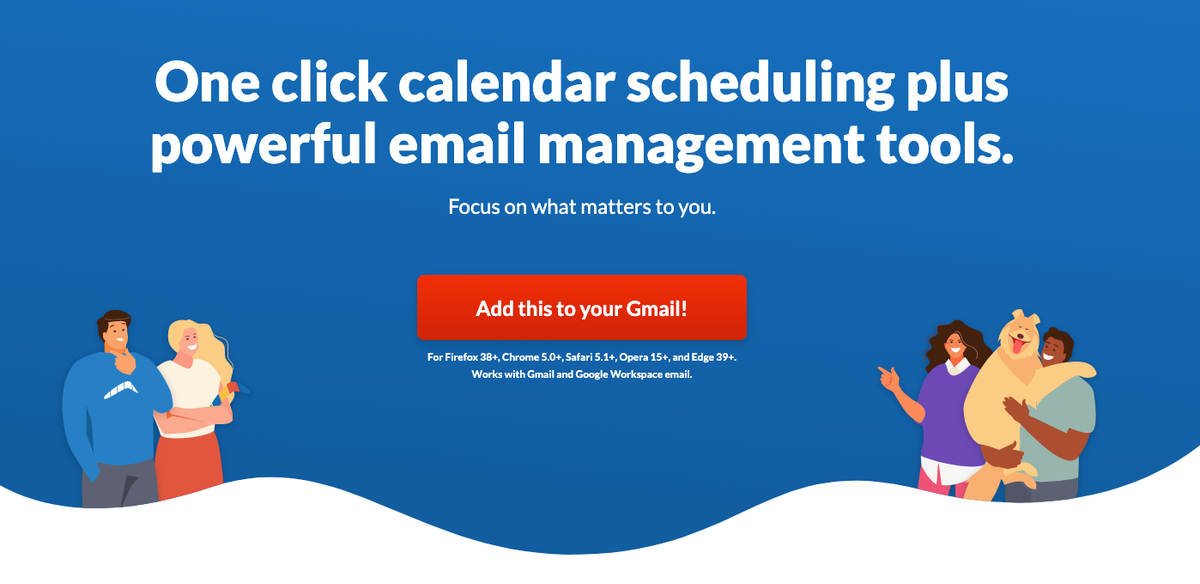
Also, Boomerang allows you to prepare, write and schedule your emails ahead of time. Write your message as you usually do, and then hit the "Send Later" button to ensure your email is sent at the right moment. In addition, Boomerang can send reminders about follow-ups you need to send.
Pricing:
Free 30-day Trial,
Free version,
Personal, Pro, and Premium Plans starting from $4.98/Month - $49.98/Month billed annually
Email Newsletter Assistant
#6 Rasa io
Rasa.io is designed to deliver a personalized and tailored newsletter to each of your followers every time you send it out. This helps ensure that each subscriber receives unique content that is relevant to them. You can easily customize the sources and topics you want in your newsletter. Its AI-based system does all the heavy lifting for you and only brings the most relevant articles to your newsletter. Articles are screened and distributed to each subscriber based on their individual preferences, helping to ensure that the content delivered caters to their interests.
Pricing:
Free trial
Standard, Plus, and Pro plans start at $29/mo - $499/mo
Writing Assistants
#7 Wordtune
Wordtune is an AI writing assistant that can help you produce clearer and more convincing pieces. It works to understand the context of your writing and provide creative suggestions to enhance the authenticity of your work. Wordtune is great for all kinds of writing tasks, like drafting emails, composing documents for your clients, and exchanging messages with colleagues. It helps you communicate more effectively and get your point across clearly.
Pricing:
Free
Premium and Premium for Team plans start at $24.99 / month

#8 Grammarly for Chrome
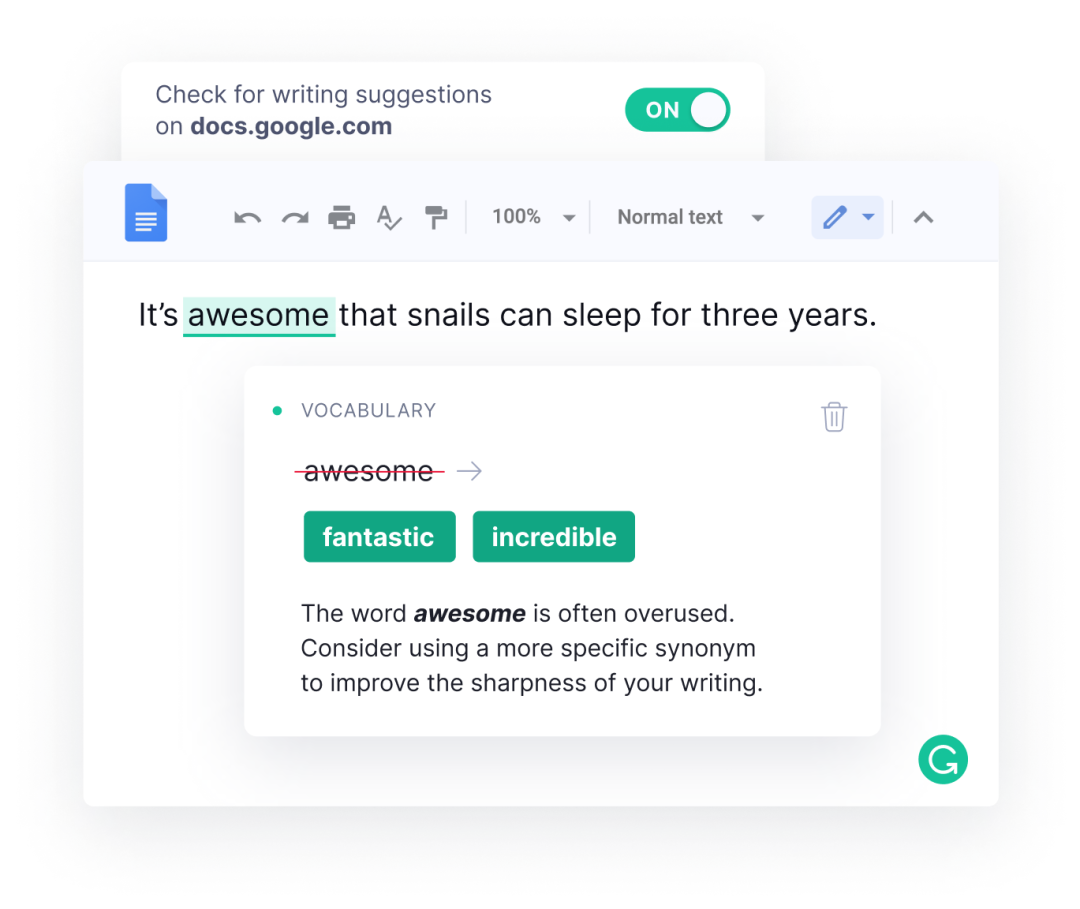
Grammarly doesn’t need much of an introduction. Simply put, this tool helps you to write better. It’s an online grammar checker that provides a complete writing improvement suite, including style suggestions and concise alternatives for wordy phrases. Grammarly offers a Chrome extension that can work in Gmail and help you create better-sounding emails. It’s very simple and easy to use and is extremely helpful even for native speakers just to polish their writing a bit more.
Pricing:
Free
Premium and Business Plans start at $12/month
Email Personalization Assistant
#9 Warmer.ai
Automation and personalization don’t have to be mutually exclusive anymore. Warmer.ai uses AI to make it easier than ever to add personalization to your emails, meaning you can get more replies with less effort. This AI email assistant analyzes LinkedIn profiles and helps you craft personalized emails or LinkedIn messages that really stand out. Not only is this great for making your emails more effective, but it also saves you time and energy.
Pricing:
Free
Starter, Basic, and Plus plan start at $59 /mo.